



Six picks for different parts of the journey
 Word VaultFor a short solo round: guess the secret word in six tries. Each guess gives you something to think about before the next one.
 Nut SortFor a quiet solo level: sort nuts by colour and work towards the move target. There is no second player to coordinate.
 Tic-Tac-ToeFor two passengers with a little time: take turns on one phone. Finish a round, then decide whether to play another.
 Word WheelFor a longer word puzzle: build words from the letter wheel. It suits someone who wants to stay with one puzzle rather than switch games constantly.
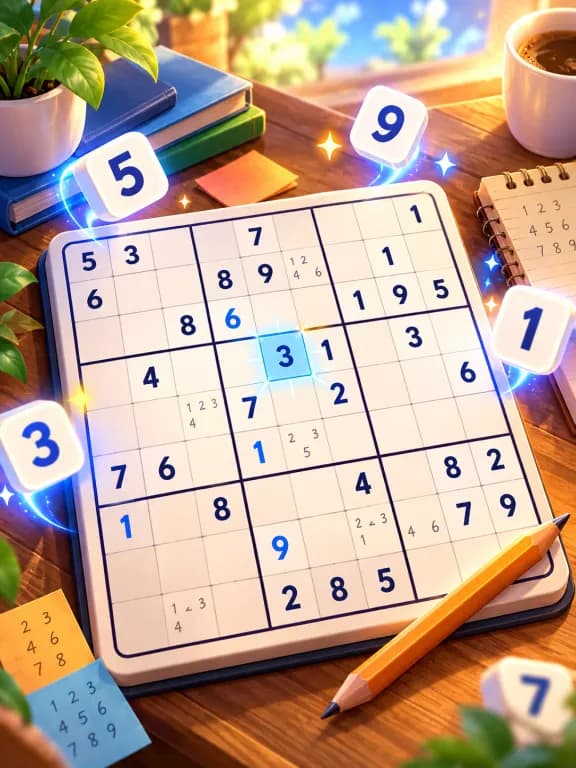 SudokuFor a longer solo stretch: choose Easy while learning or a harder puzzle when you want more deductions. Notes help separate possibilities from answers.
 LudoFor two or more passengers with time together: choose Quick for two pieces each or Classic for four. Everyone takes turns on the same phone.
What works between frequent stops?
Start with Word Vault, a single Nut Sort level or a round of Tic-Tac-Toe. They give you a natural point to stop and put the phone away without committing everyone to a long match.
If you are sharing the phone, agree on the end point before starting: one finished round or best of three. Start a longer Ludo match when the group actually has time for it, rather than treating every game as interchangeable.
What works for one passenger on a long stretch?
Choose Sudoku when you want to focus on a single grid, or Word Wheel when you would rather look for words. Both are solo games: another passenger can discuss an idea, but that is different from a built-in two-player mode.
For a quieter game, use the app’s sound and music settings. Pick a level you already understand before leaving; a journey with an unreliable connection is an awkward time to depend on an online tutorial.
What should you check before the journey?
- Install while connected. Our Android game collections bundle their games. Download and install your chosen collection before you leave.
- Try the actual mode. Open your chosen game. For shared play, find the friend / two-player option rather than accidentally starting a computer match.
- Check airplane mode yourself. Before departure, switch the passenger’s phone to airplane mode and open a game. This checks your own installation while you still have a connection available to sort out any issue.
- Prepare for interruptions. Keep the pause and back controls familiar, and agree when a shared round ends. Leave the driver out of screen-based play.
Will these games need wifi, mobile data or Bluetooth?
In the installed Android apps, the gameplay runs offline. The local two-player modes use one device, so passengers do not need to pair phones over Bluetooth or join a network. Optional video rewards need a connection; plan to play without relying on them when signal is absent.
Browser play needs a connection to load initially. For this travel setup, prepare the installed app rather than depend on opening a website for the first time in a dead zone. Android test APKs are available now; iPhone apps are coming soon.
Which collection should you choose?
Offline Games contains all six picks here, together with other puzzles, word games and arcade games. Duo Games is focused on sharing one phone and includes Tic-Tac-Toe and Ludo from this list. The solo word and sorting picks are in Offline Games.
- Read Tic-Tac-Toe rules for the turn order, draws and rematches.
- Learn beginner Sudoku techniques before tackling a longer puzzle.
- Flying instead? See our flight guide, or browse all offline games.
Play it with no internet
Offline Games includes this game among 22 games in one small app that plays fully offline: on a plane, on the metro, with no signal at all.
Android · free · 17.2 MB · iPhone app coming soon
Questions
- Which picks can two passengers play together? Tic-Tac-Toe and Ludo have local multiplayer modes on one phone. Word Vault, Nut Sort, Word Wheel and Sudoku are solo games in these recommendations.
- Do these games work where there is no phone signal? Gameplay in the installed Android collections works offline. Install and try the games before leaving; optional video rewards need a connection.
- Are these games for the driver? No. These are phone games for passengers. Keep the driver out of screen-based play.