



Choose the kind of evening you want
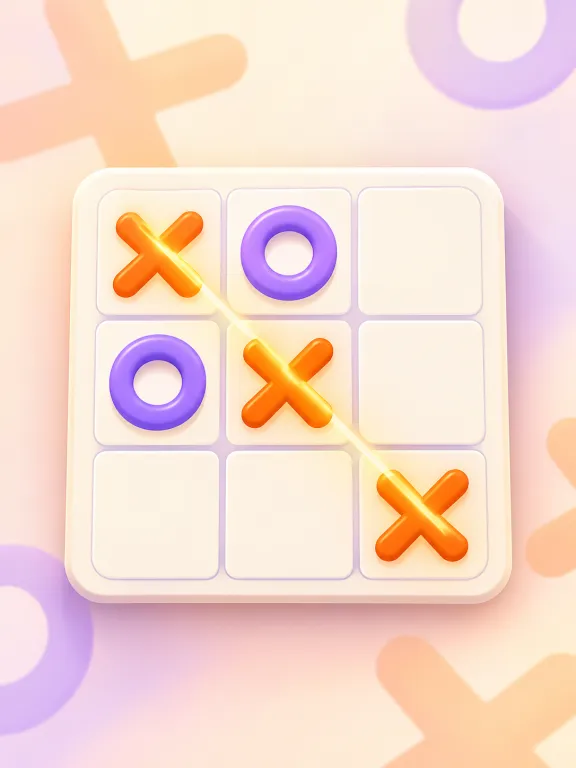 Tic-Tac-ToeStart here for a familiar, short game. Take turns marking the same board; no two-finger controls to learn.
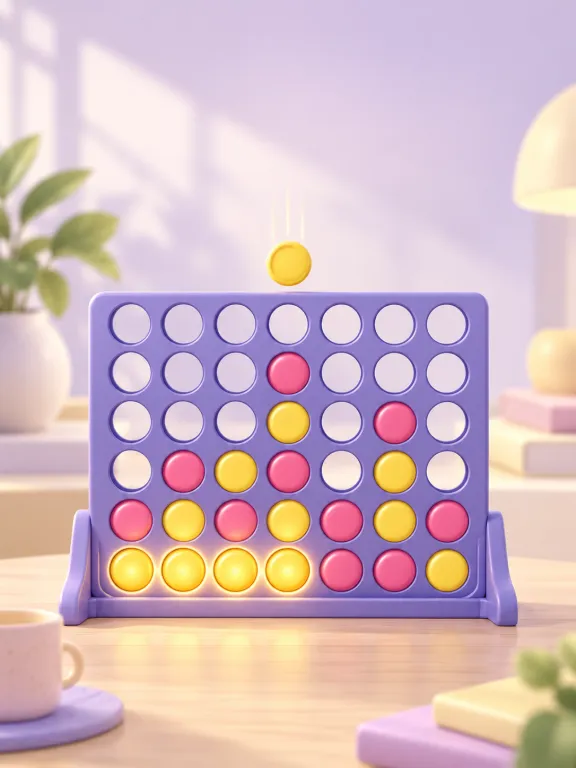 Four in a RowChoose this when you want to think ahead. Take turns dropping a piece and watch for threats in more than one direction.
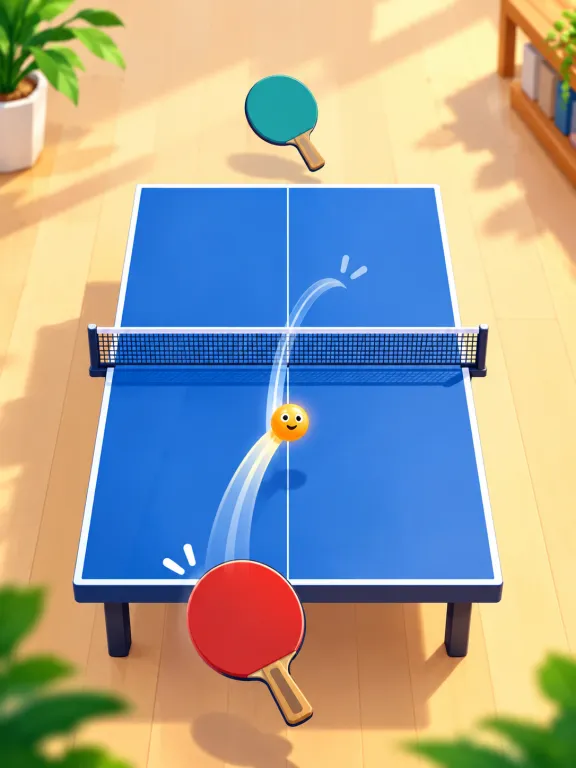 Table TennisChoose this when you both want to play at once. Each person controls a paddle on their own side of the phone.
 PoolTake turns lining up shots. It suits couples who enjoy aiming and planning rather than both reacting at the same moment.
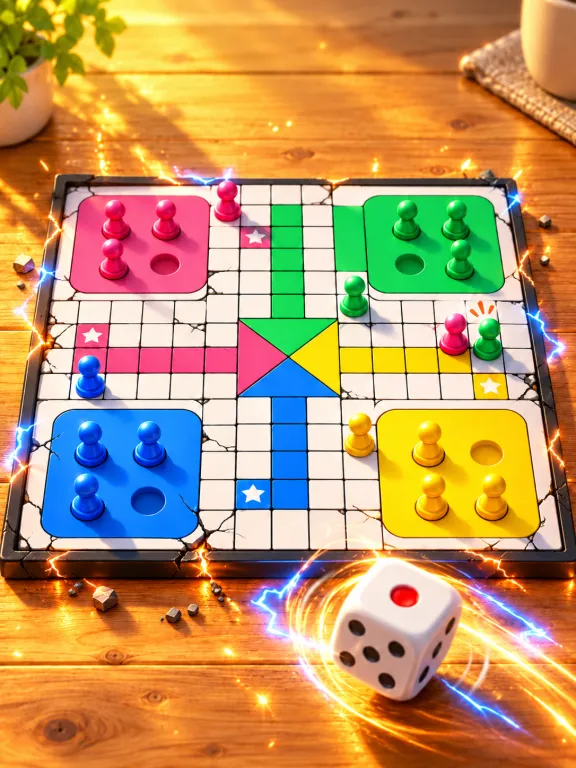 LudoChoose this for a board-game session with dice and captures. Quick uses two pieces each; Classic uses four.
Which should you try first?
If one of you rarely plays phone games, begin with Tic-Tac-Toe. Agree to swap who starts, then move to Four in a Row when you want more decisions. A drawn round is a useful chance to try a different opening rather than repeat the same moves.
For a livelier change of pace, pick Table Tennis. Put the phone between you so each person can comfortably reach their side. Pool and Ludo suit a slower session where you can talk between turns.
How do you set up two-player mode?
- Open the game lobby. Choose the friend or two-player option rather than VS Computer. The shared-screen mode uses one device.
- Take turns or share the screen. For board games and Pool, let the other person make their move before touching the screen. In Table Tennis, both people can use their controls at once.
- Pick a fair match format. Try best of three completed games. For a game with a first-move advantage, swap who starts between rounds. There is no need for a shared account.
Can you play without wifi or Bluetooth?
Yes, in the installed Android apps. Both people use the same phone, so you do not connect two devices or pair over Bluetooth. Install an app while you have internet, then open a game and choose the local two-player mode.
Browser play needs a connection to load the game. If you will have no signal at all, prepare the app before you leave. The app’s optional video rewards need a connection; the games themselves run offline.
Which app contains these games?
All five are in Duo Games, our collection built around two people on one phone. They are also in Offline Games, alongside solo puzzles, word games and arcade games. Choose the collection that fits how you usually play.
Android test APKs and web play are available. The iPhone apps are coming soon; on iPhone, use browser play while connected.
Prefer a board game or a travel session?
- Read our Ludo rules before starting: exact finishes, protected squares and extra rolls can differ between versions.
- See games for a plane for solo options as well as games to share with a seatmate.
- Browse all two-player games to go straight to the games.
Play it with no internet
Offline Games includes this game among 22 games in one small app that plays fully offline: on a plane, on the metro, with no signal at all.
Android · free · 17.2 MB · iPhone app coming soon
Questions
- Do we each need a phone? No. These picks are for two people sharing one screen, either taking turns or playing simultaneously.
- Which game lets us both play at once? Table Tennis. Tic-Tac-Toe, Four in a Row, Pool and Ludo use turns in their local two-player modes.
- Are these cooperative games? The five local two-player modes here are competitive. You can keep the session relaxed by taking turns choosing the game and swapping who starts.